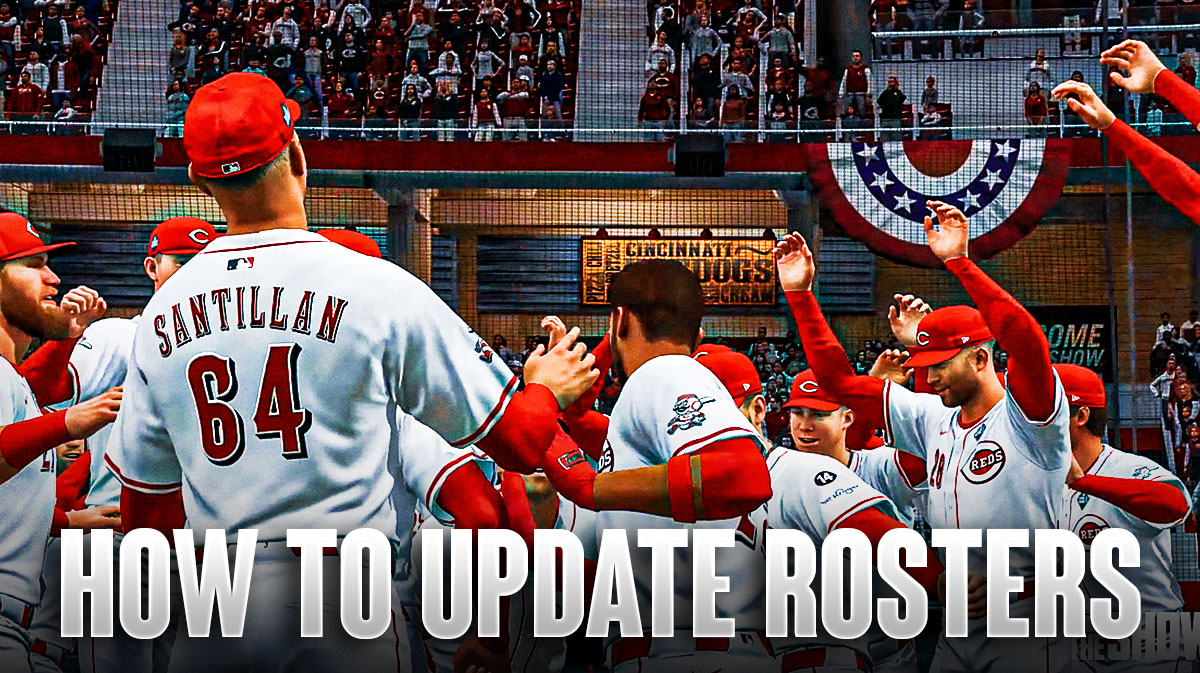
Every year, baseball fans and virtual diamond commanders alike brace for the inevitable: the offseason shuffle. Trades, retirements, breakout rookies—the real MLB never stops evolving, and neither should your digital counterpart. In MLB The Show 25, keeping your roster current isn’t just about aesthetics; it’s about preserving the pulse of the season, the authenticity of every swing, and the thrill of watching your lineup transform in real time. Whether you’re a franchise veteran or a newcomer stepping up to the plate, mastering roster updates ensures your experience stays as dynamic as the sport itself. This guide walks you through the process with precision, from manual tweaks to automated syncs, so you can focus less on data entry and more on what matters—dominating the diamond.
The Importance of Fresh Rosters: Why Up-to-Date Data Matters More Than You Think
There’s a subtle magic in seeing a young prospect rise from obscurity to stardom—or watching a grizzled veteran defy Father Time with one last clutch performance. In MLB The Show 25, these moments aren’t just scripted; they’re meticulously crafted to mirror reality. When rosters stagnate, the game loses its heartbeat. A lineup that once felt alive begins to feel like a museum exhibit, frozen in amber. That’s why updating rosters isn’t merely a chore; it’s an act of devotion to the sport’s ever-shifting narrative.
Consider the psychological impact. When you boot up a game and see a rookie sensation like Jackson Holliday or a resurgent legend like Justin Verlander, it triggers a primal connection to the real season. Your brain doesn’t distinguish between pixels and grass—it reacts to the same emotional triggers: hope, nostalgia, anticipation. Outdated rosters disrupt this illusion, turning what should feel like a living, breathing league into a curated relic. The deeper reason for our fascination with updated rosters lies in this cognitive dissonance: we crave authenticity, even in a digital space, because it validates our investment in the game’s story.
Navigating the Roster Update Interface: Where to Begin
Before diving into edits, you need to know where to plant your cursor. MLB The Show 25 streamlines roster management through a dedicated interface, but its layout can feel labyrinthine if you’re not familiar with the terrain. Start by booting the game and selecting “Franchise Mode” from the main menu. From there, navigate to the “Team Management” tab, where a submenu labeled “Roster” awaits. This is your command center—a dashboard where players, coaches, and even stadiums can be fine-tuned.
The interface itself is a marvel of ergonomic design, blending tactile feedback with intuitive navigation. Icons are crisp, menus are logically grouped, and animations provide subtle cues to guide your actions. Yet, for all its polish, the system assumes a baseline familiarity with baseball terminology. If you’re unsure what “Option Year” or “Service Time” means, the game offers tooltips, but they’re often buried in secondary menus. Take your time to explore; the interface rewards curiosity with efficiency.
Manual Updates vs. Automated Syncs: Choosing Your Approach
Not all roster updates require a keyboard and a prayer. MLB The Show 25 offers two primary methods to refresh your data: manual entry and automated synchronization. The choice hinges on your priorities—control versus convenience. Manual updates grant granular precision. You can tweak individual stats, adjust player positions, or even correct overlooked errors in the default data. This method is ideal for perfectionists or those who enjoy the tactile satisfaction of curating their own digital universe.
Automated syncs, on the other hand, are the game’s way of whispering, “Let me handle the heavy lifting.” By linking your PlayStation Network or Xbox Live account, the game can pull real-time updates directly from MLB’s servers. This ensures your rosters reflect the latest transactions, injuries, and call-ups without lifting a finger. The trade-off? You surrender some agency. Automated syncs don’t always catch nuanced changes, like a player’s subtle decline in speed or a sudden platoon split. For most players, a hybrid approach works best: use automated syncs for the bulk of updates, then manually adjust the details that matter most.
Step-by-Step: Updating Rosters Manually in MLB The Show 25
Ready to roll up your sleeves? Here’s how to manually refresh your rosters with surgical precision. First, select the team you want to edit from the Roster Management screen. Once highlighted, choose “Edit Roster,” which will open a detailed player card for the first athlete in the lineup. Here, you’ll find a trove of editable fields: overall rating, specific skills (like Contact or Power), and even facial recognition data for a more personalized look.
Start with the basics: confirm each player’s position. A shortstop mislabeled as a third baseman might not seem like a big deal, but it can wreak havoc in defensive ratings. Next, adjust the player’s overall rating based on their real-world performance. Did a young hitter slash .300/.400/.500 in the first half? Bump their Contact and Power stats accordingly. Conversely, an aging ace struggling with velocity might see a dip in their Pitch Speed attribute. Don’t forget to update jersey numbers, especially if a player changed teams during the offseason. A stale number can feel like a betrayal to fans who associate a player with a specific digit.
Pro tip: Use the “Copy Player” function to replicate stats from a similar player if you’re unsure about exact adjustments. This is particularly useful for minor leaguers or role players where detailed data might be scarce. Save your changes frequently—there’s nothing more frustrating than losing hours of meticulous edits to a sudden game crash.
Leveraging Online Resources: Where to Find Accurate Roster Data
The internet is awash with roster databases, but not all are created equal. For MLB The Show 25, the gold standard is the community-driven site MLB The Show Updates, a repository of fan-vetted data that’s updated within hours of real-world transactions. Another reliable source is Baseball-Reference, which offers downloadable CSV files compatible with the game’s roster import tools. Avoid generic wikis or outdated forums; the margin for error in roster data is razor-thin, and one misplaced decimal can skew a player’s entire performance profile.
If you’re feeling adventurous, dive into the game’s modding community. Tools like “MLB The Show Roster Editor” allow for batch updates, letting you import entire rosters with a few clicks. These mods often include custom art, logos, and even historical players, turning your franchise into a digital time capsule. Just ensure you’re downloading from reputable sources to avoid malware or corrupted files.
Troubleshooting Common Roster Update Issues
Even the most seasoned franchise managers hit snags. One of the most frequent culprits is the dreaded “roster lock.” If the game refuses to save your changes, check if the team is locked for a dynamic event, like a postseason run or a special challenge. Unlocking the roster usually resolves the issue, but be wary—some events are tied to narrative progression, and skipping them might disrupt your franchise’s story arc.
Another headache arises when edited players fail to appear in-game. This often stems from cache corruption. Clear your game’s cache through the console’s settings, then relaunch MLB The Show 25. If the issue persists, verify that your edited roster file isn’t corrupted by testing it in a separate franchise save. For online sync issues, ensure your internet connection is stable and that you’re not inadvertently blocking the game’s servers with firewall settings.
The Hidden Benefits of Meticulous Roster Management
Beyond the obvious perks of realism, keeping your rosters updated unlocks layers of gameplay depth. Dynamic difficulty adjustment, for instance, relies on accurate player ratings. If your league’s top slugger is still sporting a .280 OPS from last season, the game might underestimate your team’s offensive potential, leading to artificially inflated pitching stats. Conversely, a rookie sensation with a .900 OPS in real life should terrorize your AI opponents, not languish in Triple-A obscurity.
There’s also the intangible reward of immersion. Picture this: it’s the bottom of the ninth, your closer is on the mound, and the opposing lineup features a rookie phenom who just debuted last week. The tension is palpable because you manually updated his stats yesterday. That’s the power of a well-maintained roster—it transforms a digital simulation into a living, breathing simulation of baseball’s unpredictability.
Final Thoughts: Making Roster Updates a Seamless Ritual
Updating rosters in MLB The Show 25 isn’t just a maintenance task; it’s a ritual of fandom. Whether you’re a data-driven perfectionist or a casual player who updates once a season, the process connects you to the sport in a way that transcends the screen. Embrace the tools at your disposal, from automated syncs to community mods, and don’t shy away from the occasional manual tweak. After all, the beauty of baseball—and its digital counterparts—lies in its constant evolution. Your roster is a canvas; paint it with the hues of reality, and the game will reward you with moments that feel as authentic as the crack of a bat on a summer evening.